Templates
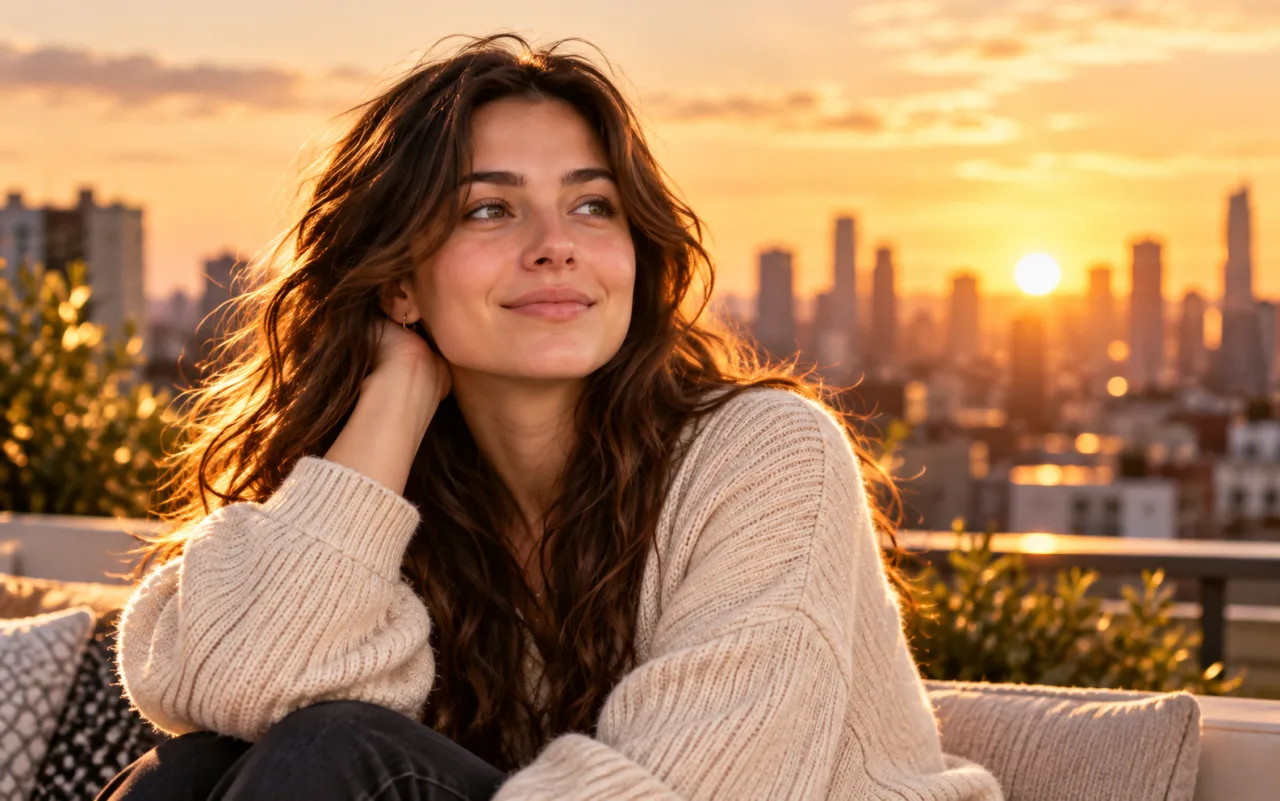

Choose a template
Find a video style you love.
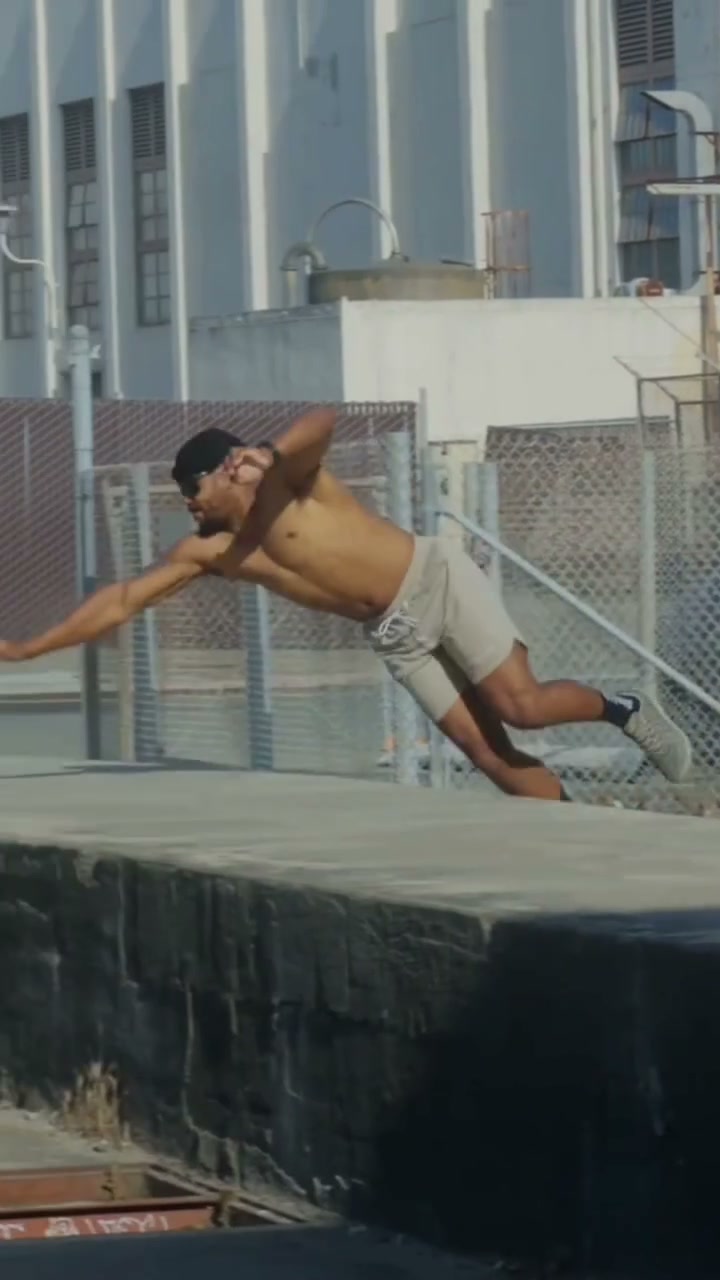
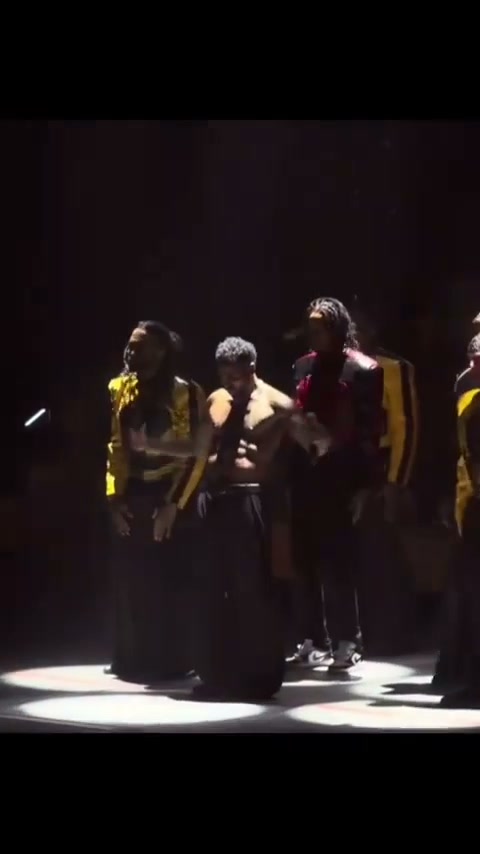
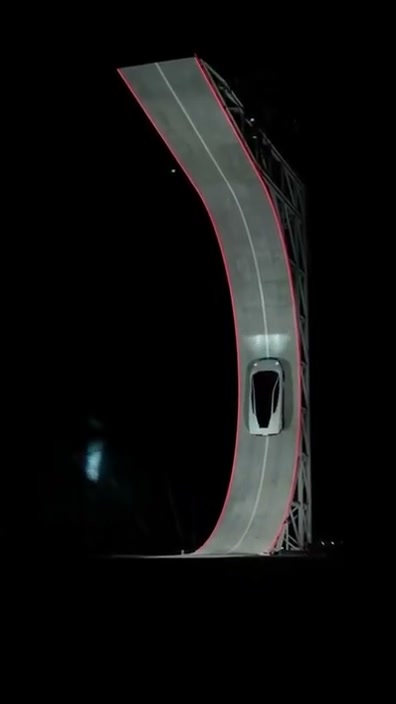
Choose a video template, upload your photo, and create a share-ready AI video in seconds. Camera, lighting, and color are already set. No prompts needed.
Choose an effect and put your photo in the spotlight
See How It Works
Templates
Find a video style you love.
Upload your photo
Add a clear photo of your subject.
Video preview
Example previewPreview and download when ready.
Example previewStart with a photo and a template.
Skip connecting tools and configuring steps.
Explore previews and choose your style.
Choose the approach that fits your project.
Choose a template + add a photo
Simple, preconfigured setup
A video style you already like
Connect tools and configure steps
Detailed process control
Complex, repeatable tasks
Describe your goal and review
Explore through conversation
Ideas and multistep tasks
Generate, adjust, and edit
Fine-grained flexibility
Highly customized content
AI Video Remaker is an AI video creation tool built around ready-to-use templates. Choose a template, upload your photo as instructed, and generate your video without writing prompts or building a workflow.
We find visual ideas in popular short videos and analyze their camera movement, lighting, color, and pacing. We then break the production process into steps, test and refine it, and turn it into a reusable template. When you upload your photo, the system generates your video using the selected template’s settings.
Use a clear, well-framed photo with a clearly visible subject. Requirements for the number of people, composition, image content, and file specifications vary by template. Check your selected template’s upload instructions before submitting.
We value your privacy and do not sell your photos or personal information. Privacy Policy
Yes. You can choose templates suitable for TikTok, Instagram Reels, and YouTube Shorts. Before generating, check the template’s aspect ratio, video duration, and other specifications to make sure they meet your publishing needs.
Failed generations do not cost credits, and you can try again. If a video is successfully generated but does not meet your expectations, the credits used are not refunded. You can adjust your photo or choose another template and generate again. Generating another video requires credits.
Choosing a template, uploading your photo, and submitting your task takes just a few simple steps. After submission, videos usually take a few minutes to generate. The exact time depends on the template, the model provider’s processing speed, and the task queue.
Choose a video template, upload your photo, and create a share-ready AI video in seconds. Camera, lighting, and color are already set. No prompts needed.